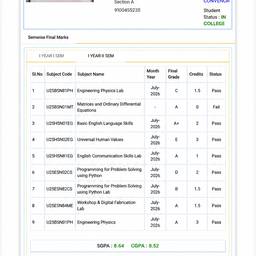
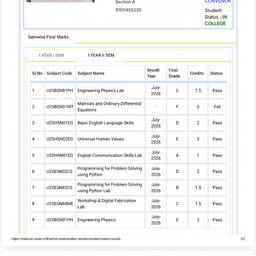
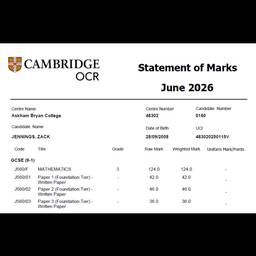
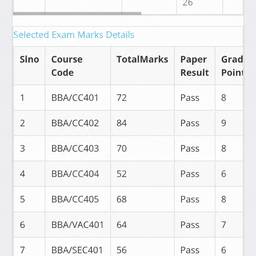
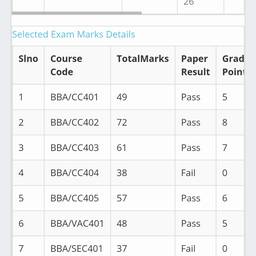
University Result Sheet Edit
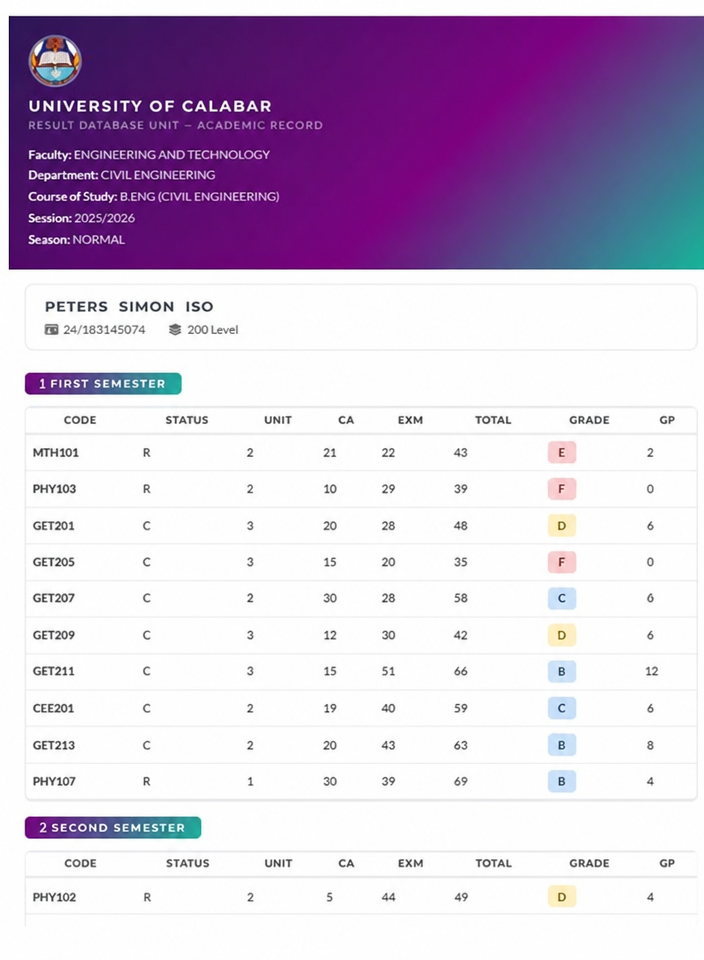
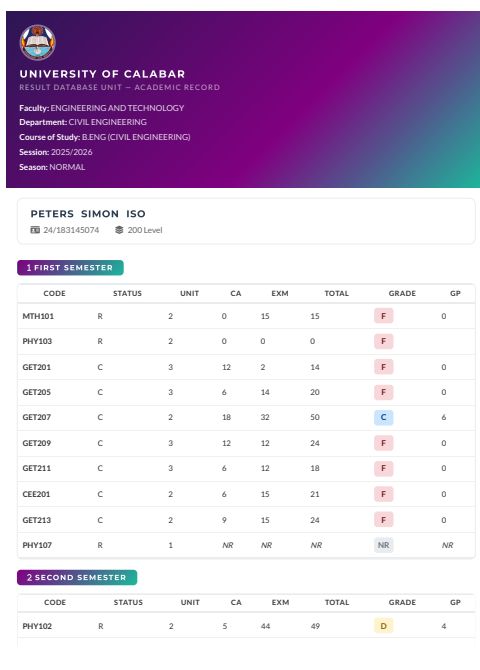
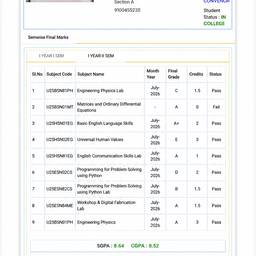
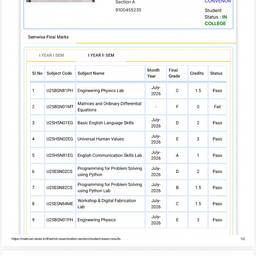
Edit this university grade report screenshot. Make these specific changes to the table: 1. MTH101: Grade to 'E' in light cherry pink color. C.A=21, Exm=22, Total=43, Grade Point=2. 2. PHY103: Grade to 'F' in same red color as original grades. C.A=10, Exm=29, Total=39, Grade Point=0. 3. GET201: Grade to 'D' in light yellow gold color. C.A=20, Exm=28, Total=48, Grade Point=6. 4. GET205: Grade to 'F'. C.A=15, Exm=20, Total=35, Grade Point=0. 5. GET207: Keep grade 'C' as is. C.A=30, Exm=28, Total=58, Grade Point=0. 6. GET209: Grade to 'D' in light yellow gold color. C.A=12, Exm=30, Total=42, Grade Point=6. 7. GET211: Grade to 'B' in light blue color. C.A=15, Exm=51, Total=66, Grade Point=12. 8. GET213: Grade to 'B' in light blue color. C.A=20, Exm=43, Total=63, Grade Point=8. 9. CEE201: Grade to 'C'. C.A=19, Exm=40, Total=59, Grade Point=6. 10. PHY107: Grade from 'NR' to 'B'. C.A=30, Exm=39, Total=69, Grade Point=4. Keep all other text and formatting exactly the same. Make the table look realistic like a proper grade report.
More like this