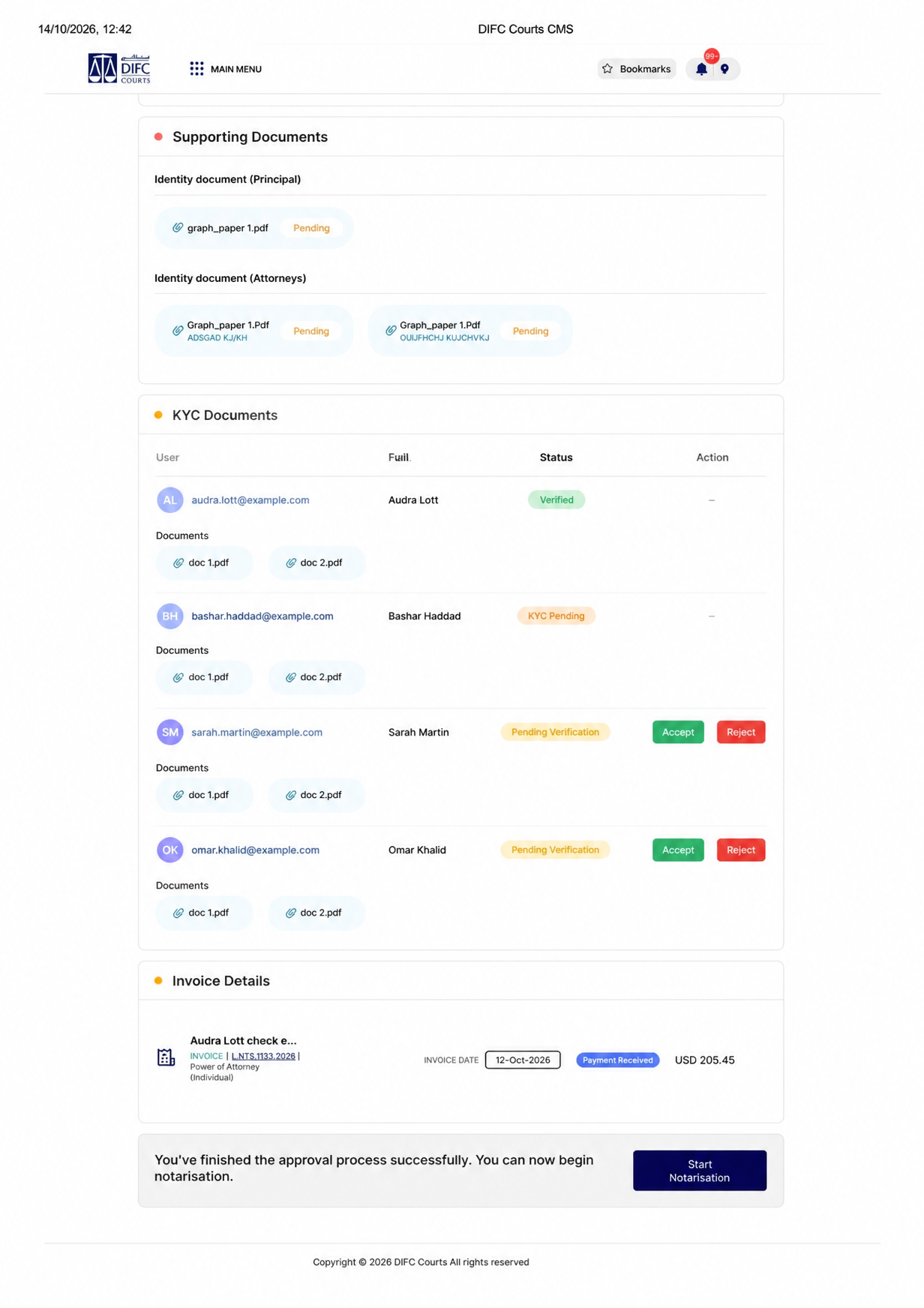
KYC書類ダッシュボードUI
プロンプト
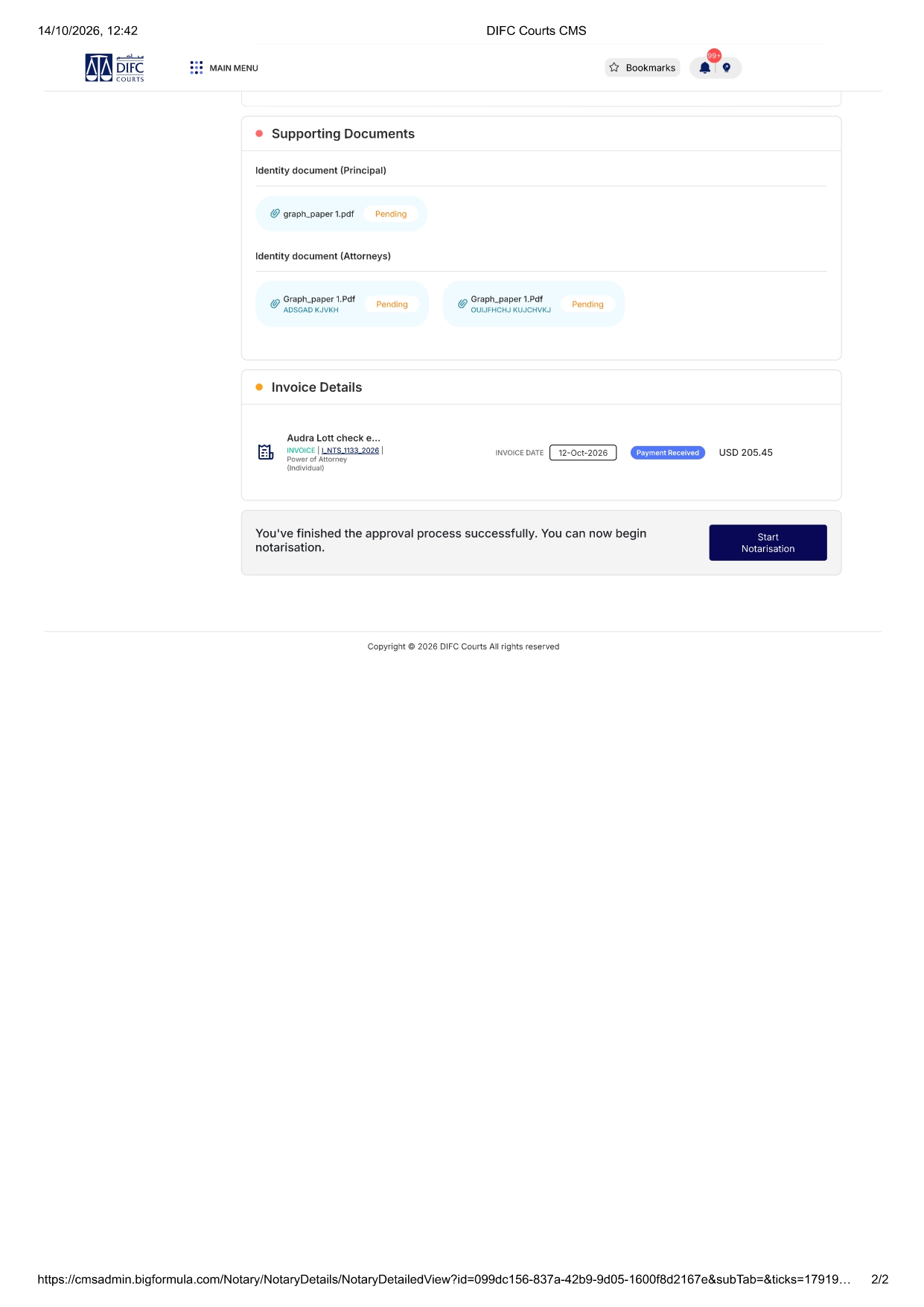
Add a new section titled 'KYC Documents' after the Supporting Documents section. List users with their email, full name, and status badges (verified in green, kyc pending in orange, pending verification in yellow). For manual KYC users, show two separate buttons: 'Accept' in green and 'Reject' in red. List documents as doc 1, doc 2 under each user. Use the same design style, colors, fonts, and layout as the existing page — dark blue header, white cards, gray borders, consistent spacing.
似た作品