Change Dates In Screenshot AI
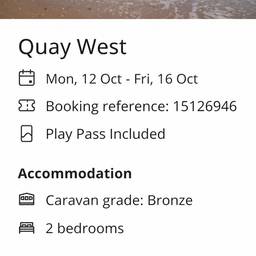
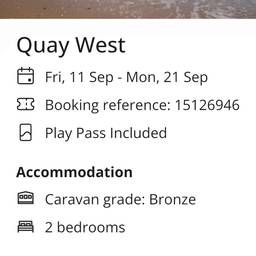
Change dates in any screenshot using AI in just a few clicks. Update an expiry date on a subscription confirmation, fix a wrong deadline in a project timeline screenshot, or correct a timestamp on a calendar invite. Get a clean, accurate result without redoing the whole image. See examples below.
Try It FreeBefore & After
Community Examples