Change Time And Battery In Screenshot AI
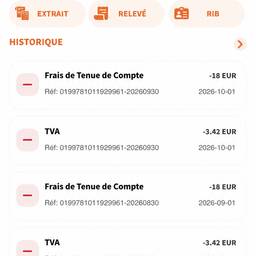
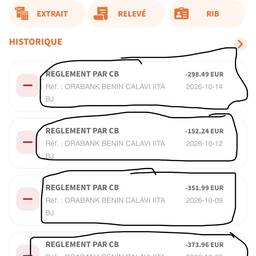
Change the time and battery in a screenshot with AI in seconds. Make a 9:41 iPhone status bar show your real 3:12, bump a drained 12% battery up to a full 100%, or set the clock to match the moment you're posting about. Fix small details before you share. See examples below.
Try It FreeBefore & After
Community Examples