Change Time In Expense Screenshot AI
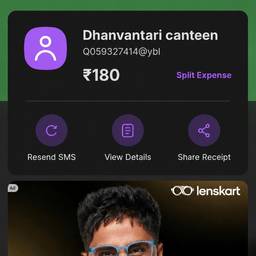
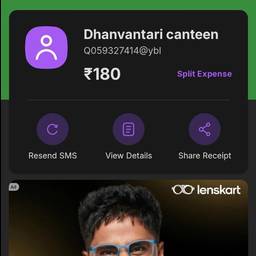
Change the time on an expense screenshot with AI in seconds. Fix a taxi receipt that shows 2:00 AM instead of your 2:00 PM ride, correct the dinner time on a restaurant bill photo, or update a parking app capture so it matches when you parked. Submit believable reports without retaking shots. See examples below.
Try It FreeBefore & After
Community Examples