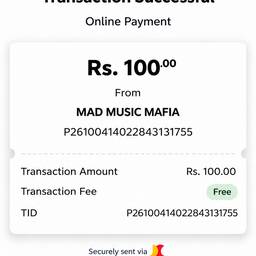
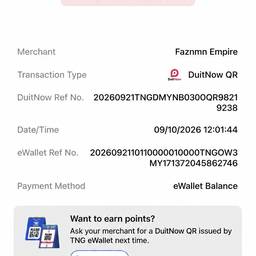
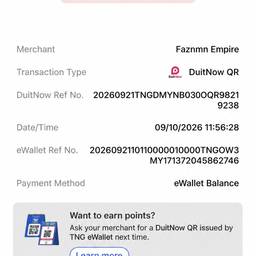
Change Time In Screenshot AI

Change the time shown in any screenshot using AI. Fix the timestamp on a phone status bar, update the clock in a chat message preview, or correct the time in a booking confirmation screenshot. Keep your screenshots looking accurate and clean. See examples below.

Try It Free

Before & After

Community Examples
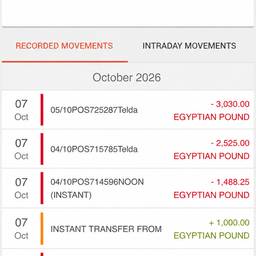
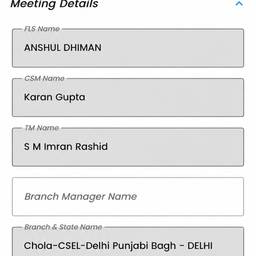
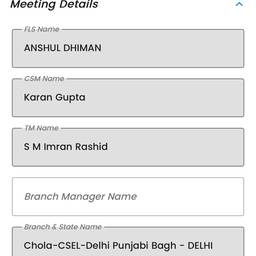
Meeting Form Date Edit
Reference
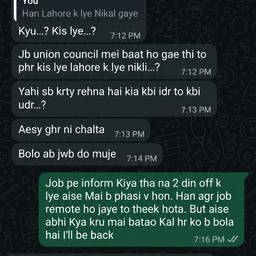
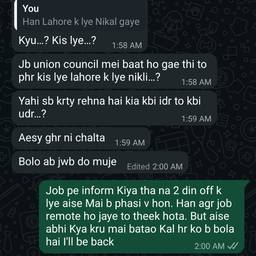
WhatsApp Chat Timestamp Edit
Reference
GPS Timestamp Edit
Reference
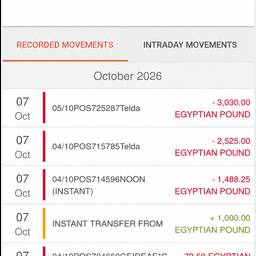
Bank Screenshot Time Edit
Reference
Receipt Timestamp Edit
Reference
Bank App Clock Edit
Reference
Edit Ticket Screenshot Time
Reference
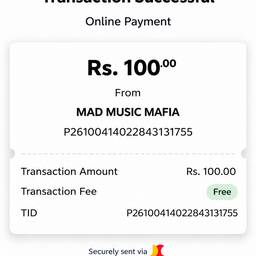
Payment Receipt Time Edit
Reference
Banking App Time Edit
Reference
Edit Payment Receipt Amount
Reference
Yape Receipt Amount Edit
Reference
Banking App Time Edit
Reference

Best Models for Change Time In Screenshot AI