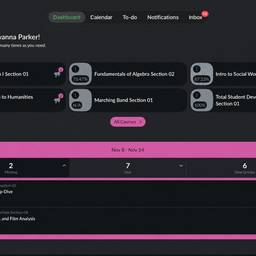
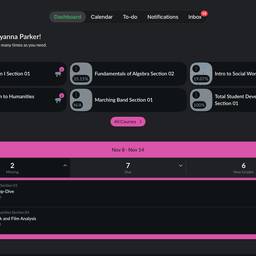
Edit Course Dashboard Screenshot AI
Edit a course dashboard screenshot with AI and make it clear for anyone who sees it. Hide student names and ID numbers, circle the module you want learners to open next, or clean up browser tabs before sharing it in a slide. Get a tidy screenshot that explains itself. See examples below.
Try It FreeBefore & After
Community Examples