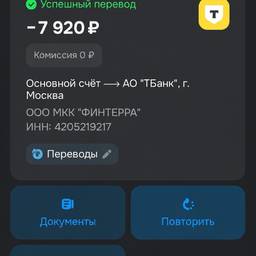
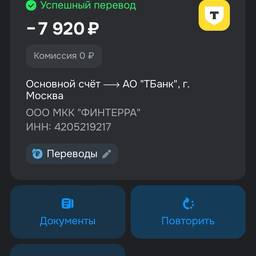
Update Screenshot Date And Time AI
Update the date and time on a screenshot with AI in seconds. Set a mockup screen to today's date for a design demo, match a tutorial image's timestamp to your lesson notes, or refresh an old app screenshot for a portfolio case study. Keep every example looking current and consistent. See examples below.
Try It FreeBefore & After
Community Examples